|
Use the Compression page to allow compression and set the default compression level if not selected by the client.
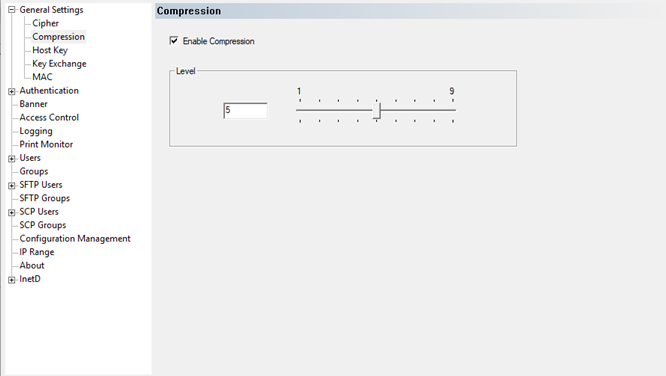
The default compression level is set to 5. Enter the desired compression in the edit box or use the slider to select.
The higher the compression level the smaller the data packets will be, but the slower the data transfer will be.
|