|
Use the Show/Export key dialog to view keys stored in the Windows certificate store. Once a key is loaded, it can be saved in a public key format to be stored on the server.
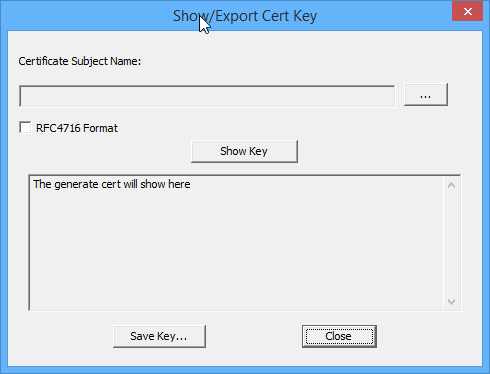
Clicking on the "..." button will open the local certificate store and list all available keys. Select one of the keys. Click "Show Key".
Use the "Save Key" button to save the key to a openssh or RFC standard public key format. That file can then be sent to the server administrator for certificate authentication.
|