|
Use the FortressFX Connection Wizard to create Site Profile for current and future connections. To launch the Connection Wizard, click the Connection Wizard button from the Toolbar or Site Manager dialog, or select the Connection Wizard option from the File menu.
Connection Wizard will prompt for the following information:
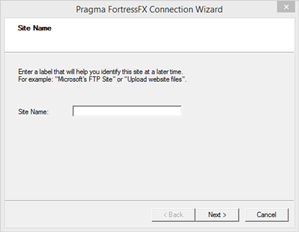
Site Name: Enter a descriptive site name for easily identification of the profile during future uses of FortressFX.
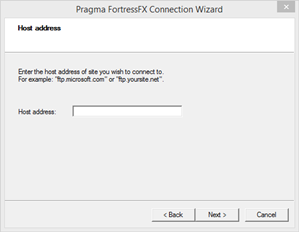
Host address: Enter either the hostname or the IP address of the server to which to connect.
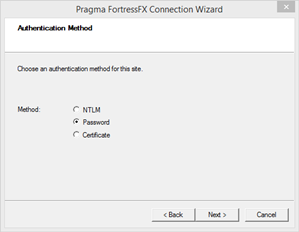
Authentication Method: Select your preferred Authentication method. For more information on supported authentication methods for FortressFX, click here.
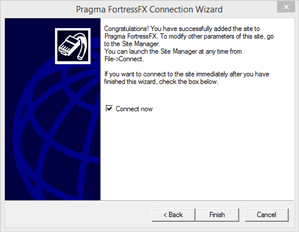
Finish: This is the last page of the wizard. Clicking Finish will close the wizard and create a new site under the Site Manager. Clicking the "Connect now" check box will initiate a connection immediately after closing the Wizard.
|